
How to Take Better Bouquet Photos (That Actually Sell Your Arrangements)
Most florists struggle with lighting, backgrounds, and consistency — not talent.
Here’s the modern way florists create professional-looking flower photos using just a phone.
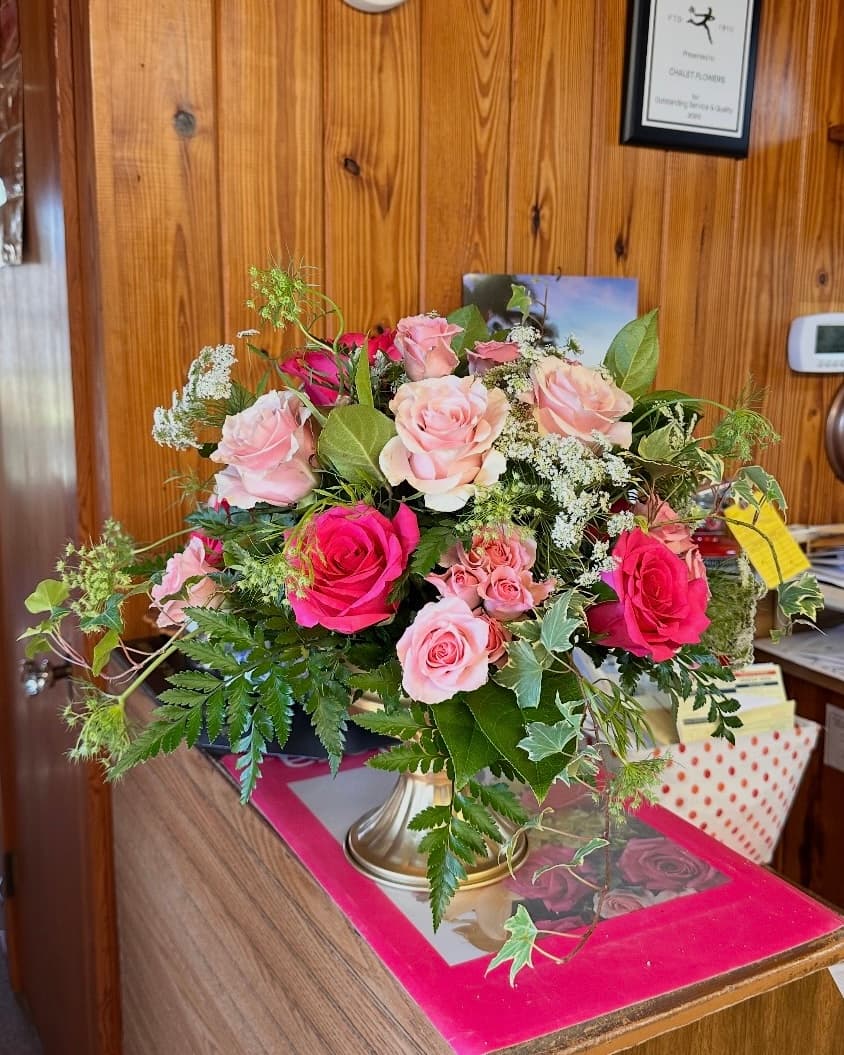
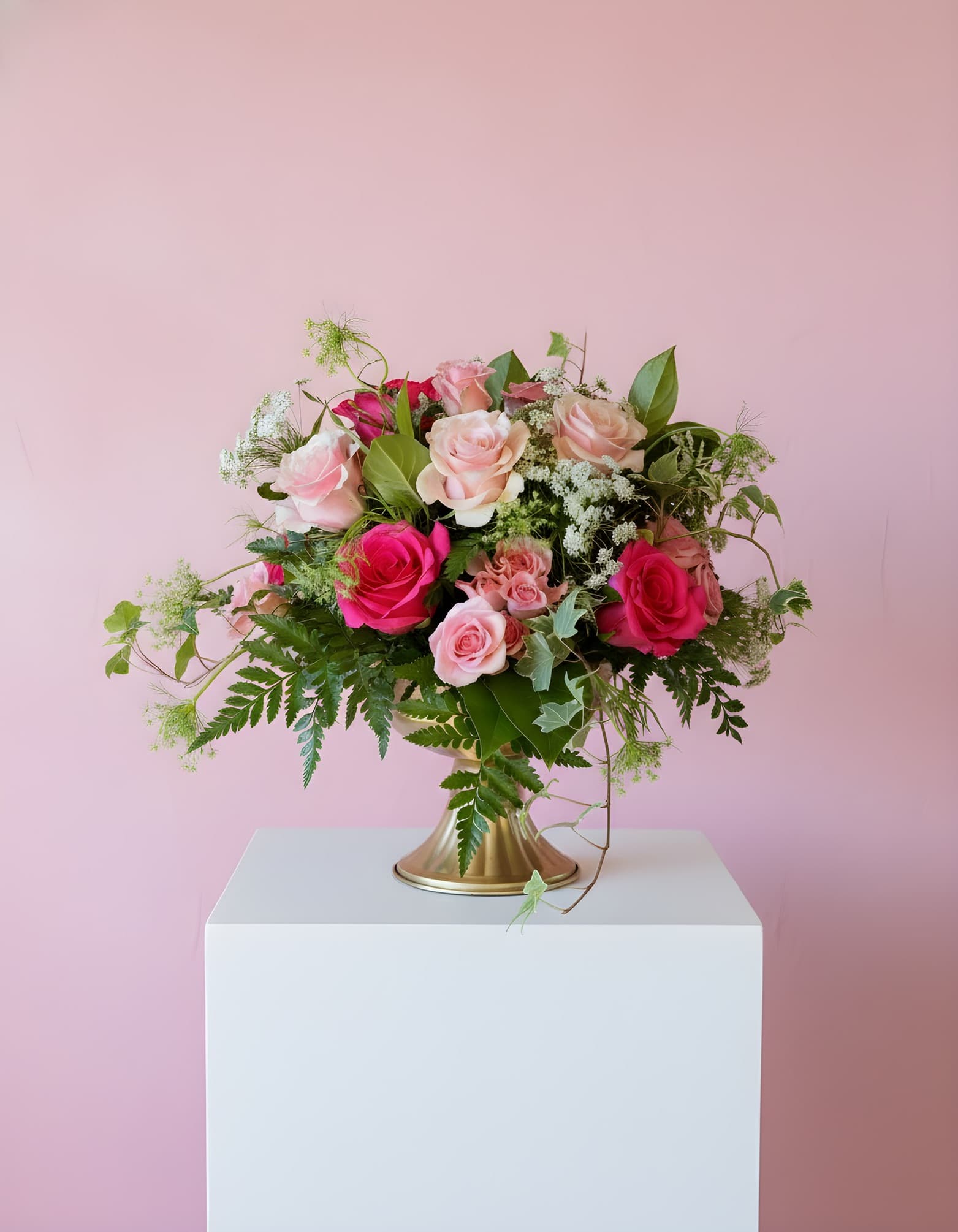
Why Taking Good Flower Photos Is Harder Than It Should Be
Florists take beautiful photos every day — but turning those photos into clean, professional marketing images is surprisingly difficult.
Common challenges include:
- Shop lighting that changes throughout the day
- Busy backgrounds that distract from the arrangement
- Phone photos that look flat or dull
- Inconsistent photos across products and seasons
- Editing tools that are time-consuming or overly technical
If this sounds familiar, you’re not alone.
Simple Tips to Take Better Flower Photos
Use Natural, Indirect Light When Possible
Place bouquets near a window with indirect light. Avoid harsh overhead shop lighting or direct sunlight, which can wash out colors and create strong shadows.
Choose a Clean, Neutral Background
Plain backgrounds help customers focus on the flowers themselves. Avoid cluttered counters, shelves, signage, or busy shop areas.
Frame the Arrangement, Not the Environment
Shoot slightly above the arrangement and leave a small amount of space around it. This keeps attention on the bouquet rather than the surroundings.
Why Tips Alone Still Don’t Create Professional Results
Even with good lighting and framing, many florists still struggle to achieve consistent, professional-looking photos.
Creating studio-style backgrounds, matching images across products, and preparing photos for websites or social media often requires time, editing skills, or equipment most florists don’t have.
This is where a modern workflow makes a difference.
A Faster Way Florists Take Better Flower Photos
PetalPro helps florists turn real bouquet photos into clean, professional images in seconds — without studios or editing experience.
Key benefits:
- Uses your real flower arrangements (not fake AI flowers)
- Instantly applies professional backgrounds and settings
- Creates consistent photos for websites, Instagram, and marketing
- Designed specifically for florist workflows
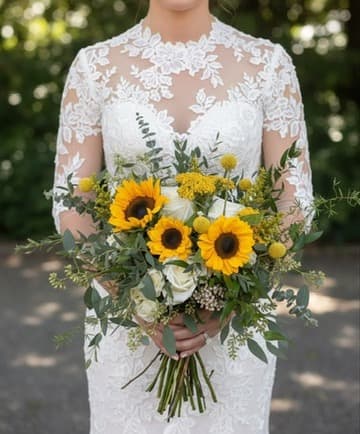
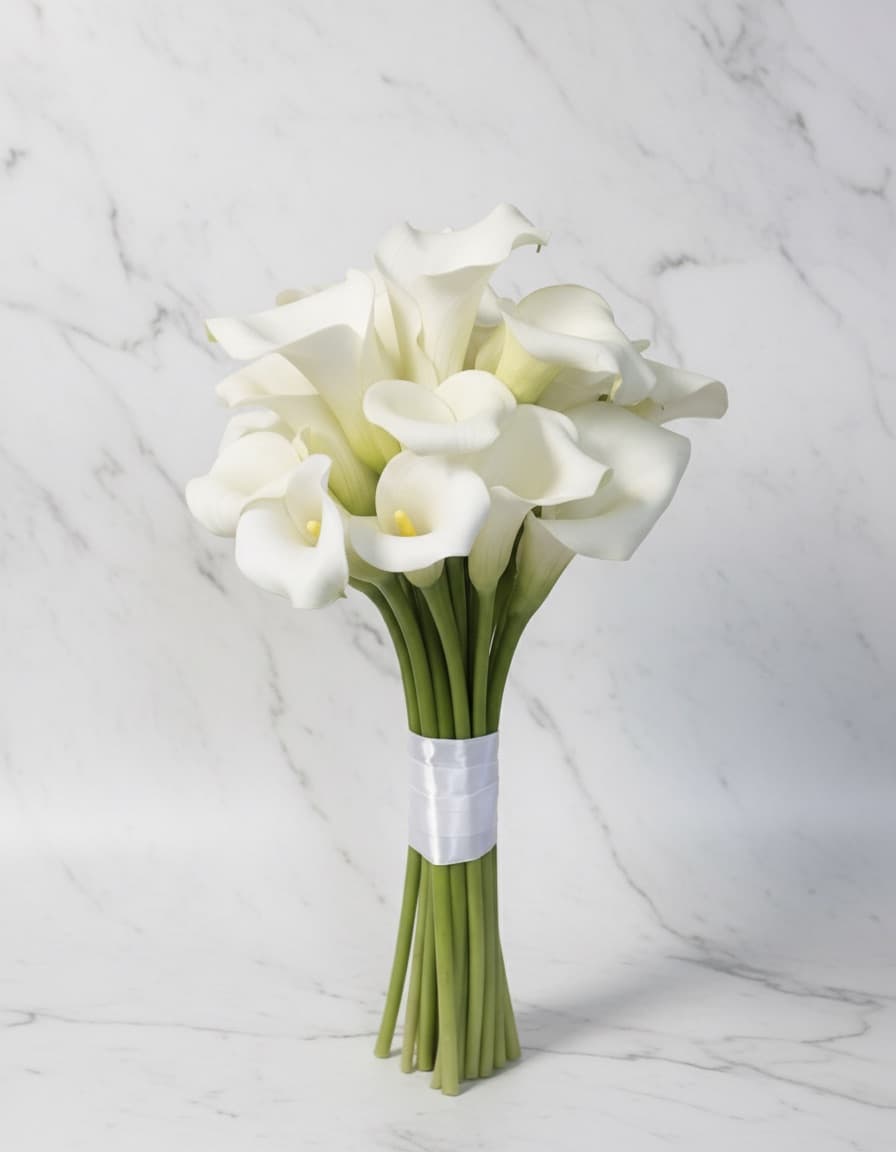
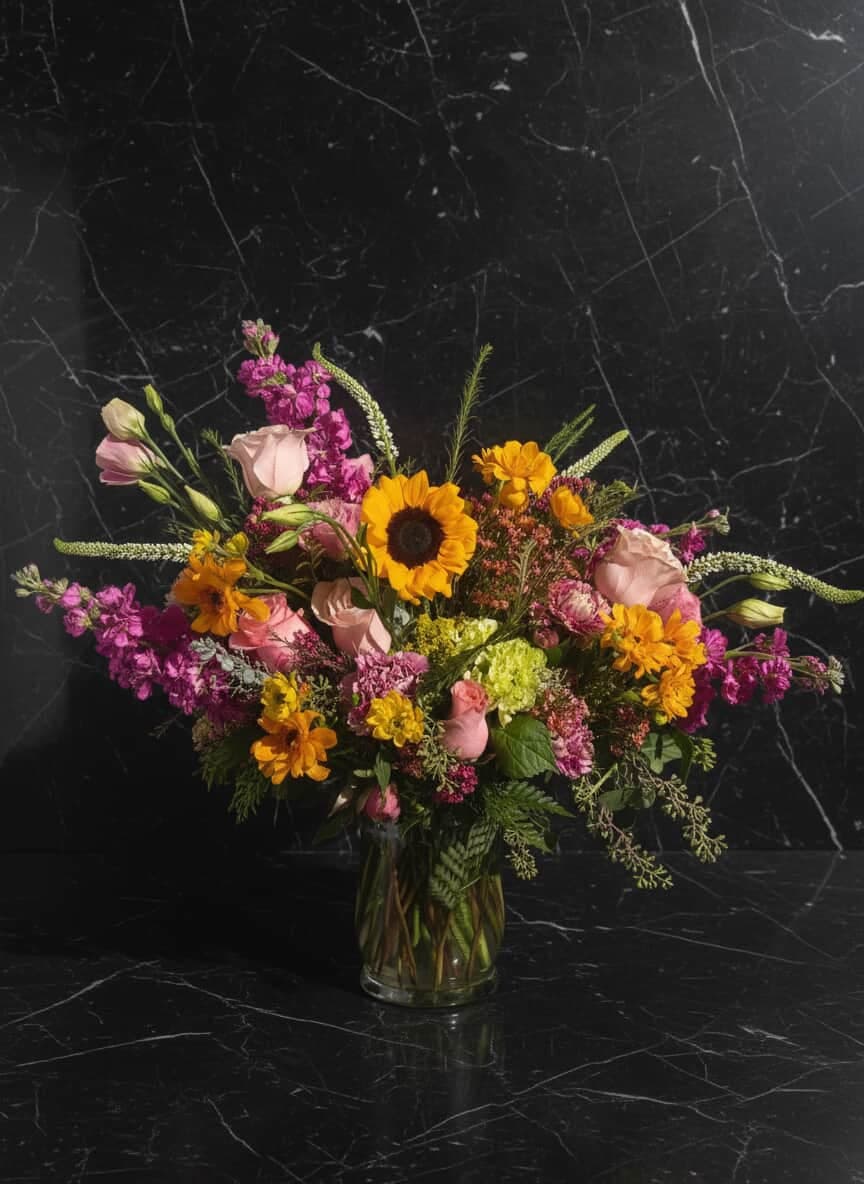
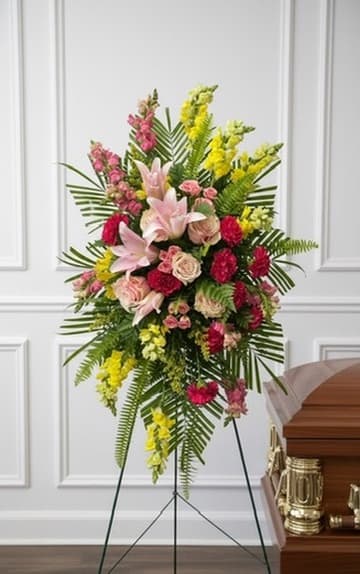
Used by Florists to Create Professional Flower Photos
Florists use PetalPro to create consistent, high-quality images that help customers see their work clearly and confidently.
See the Difference With Your Own Flowers
No camera equipment. No editing skills. Just better flower photos.
Common Questions
Q: Do I need a professional camera?
A: No. Most florists use phone photos.
Q: Does this replace photography tips?
A: No — it complements them by solving background and consistency issues.
Q: Is this only for social media?
A: No. Florists use these photos for websites, listings, and marketing materials.